Powered byToy Robot Media
Timeline
Now 0:00
L01
Stage Previs
Loading

Show planning · Previsualization

Plan the show, before load-in.

Turn your venue into a 3D previs: map content onto every LED wall and projection surface, block the camera moves, and gather frame-accurate feedback before anything is built.

How it works

Three steps from a floor plan to a signed-off look.

01

Bring in the venue

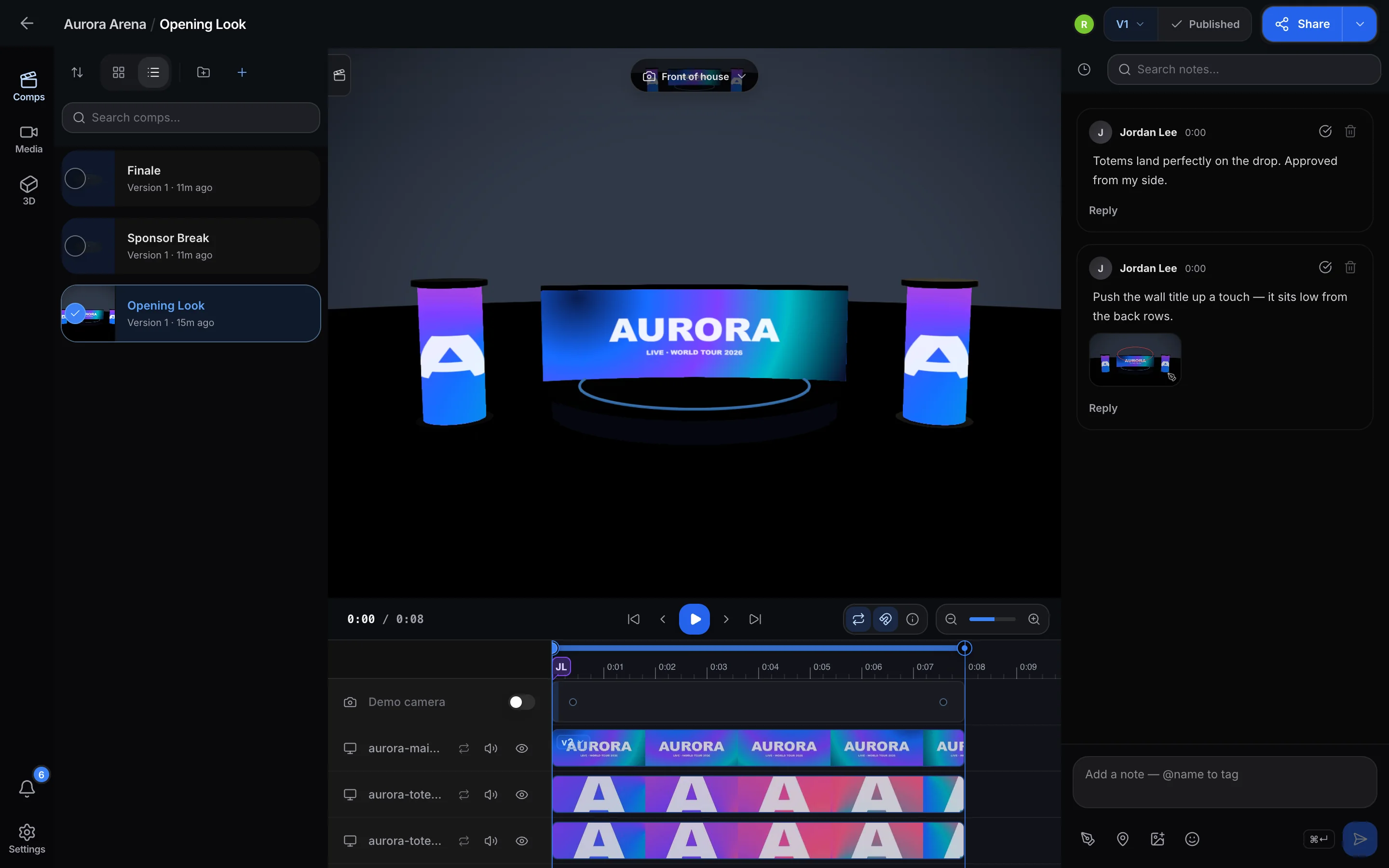
Drop in the stage model and every LED wall, totem and projection surface becomes a screen you can map. One project holds the venue, the clips, and every look you try on it.

The project dashboard, with the demo venue open.
02

Map it and time it

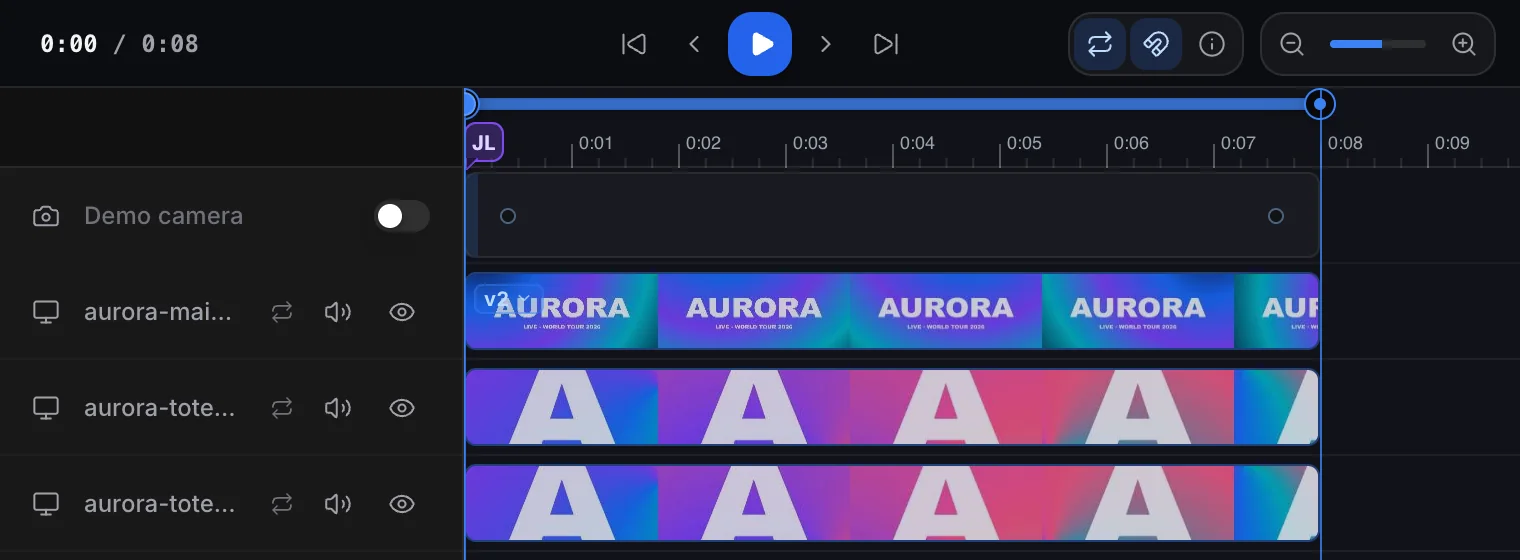
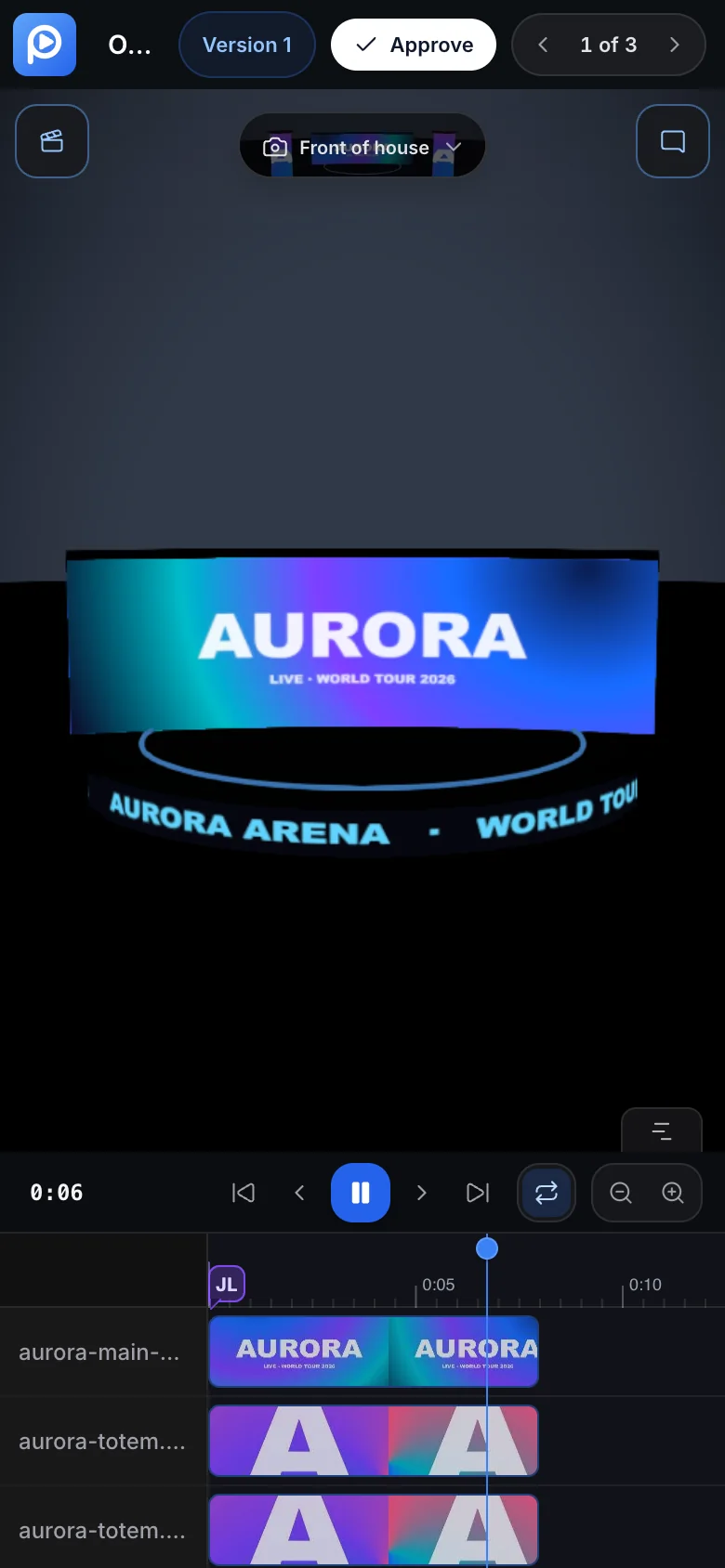
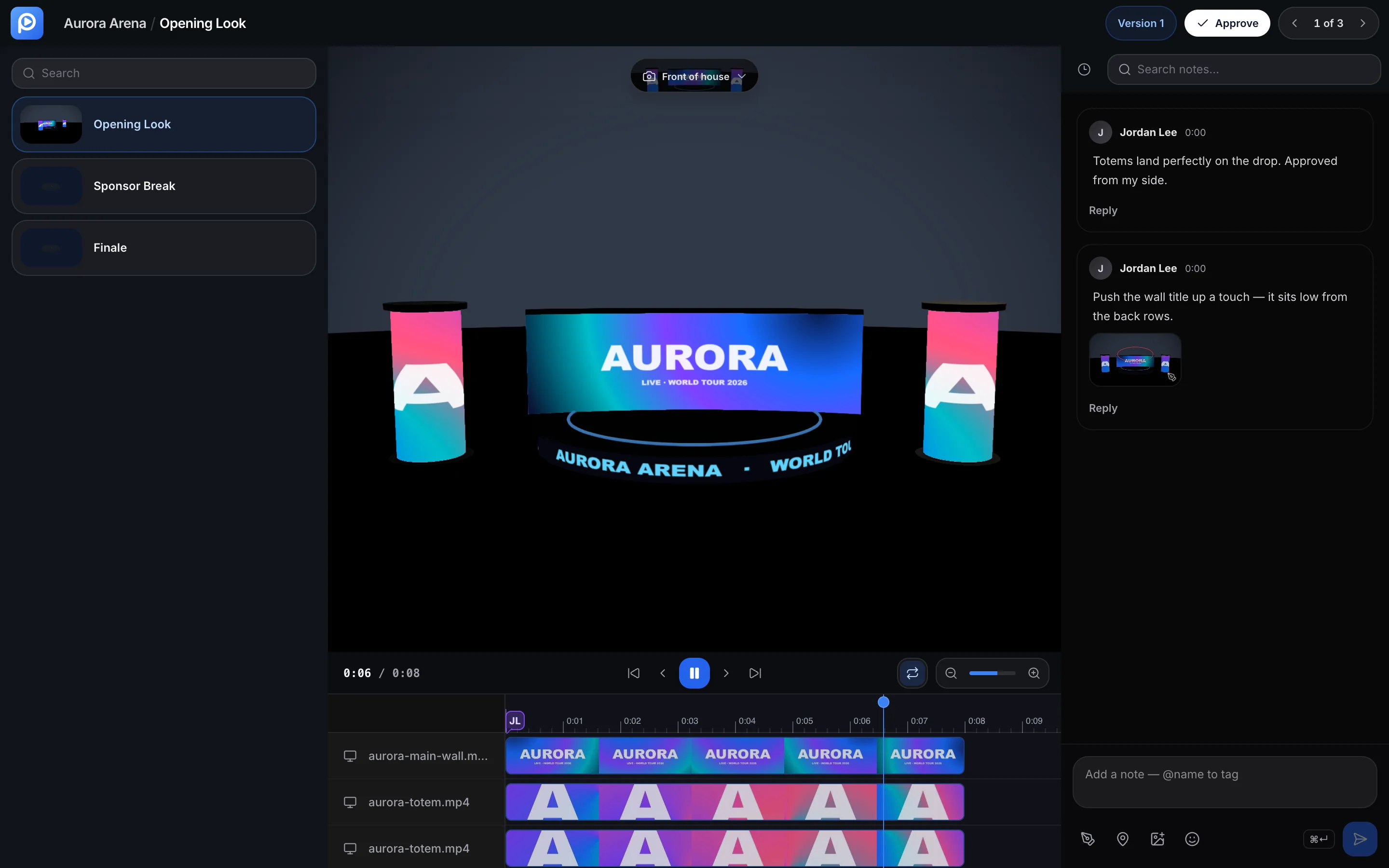
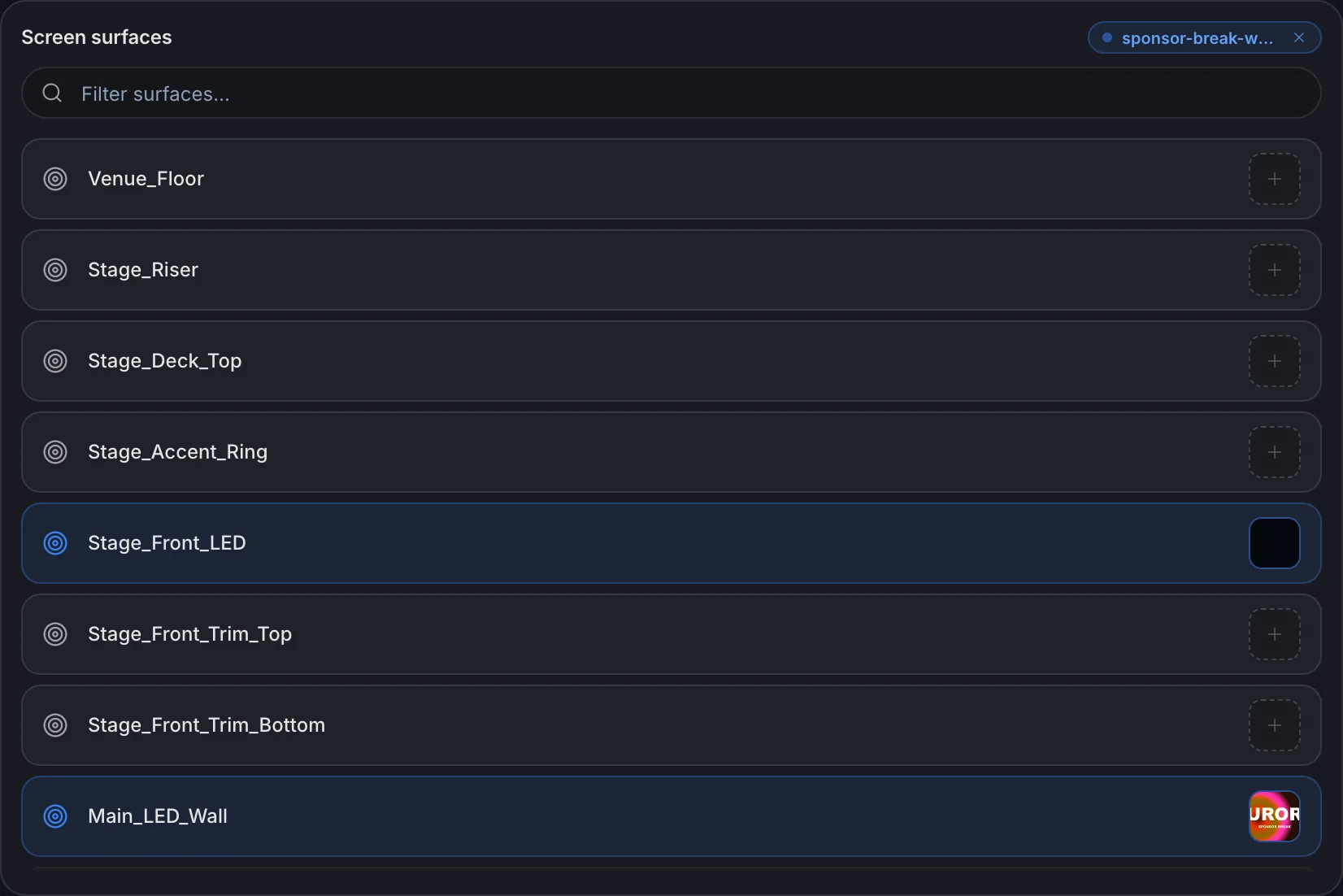
Every mapped surface gets its own track. Trim and slide until the cue lands, then loop just that section and watch it play on the true curve of the wall.

The timeline, one track per mapped surface, clips shown as filmstrips.
03

Send it for review

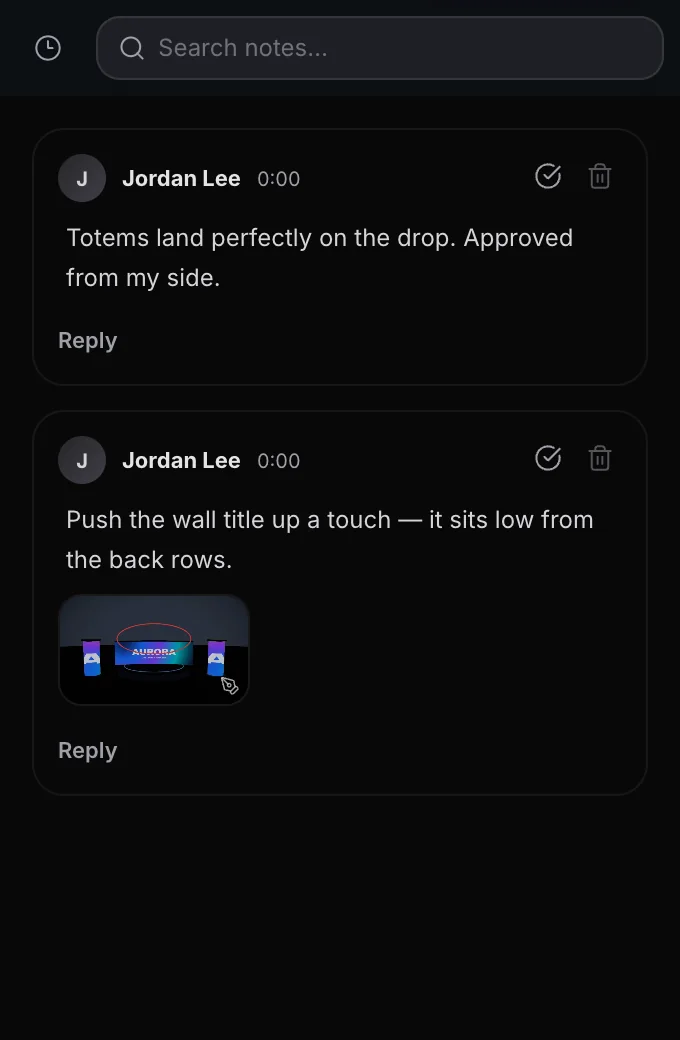
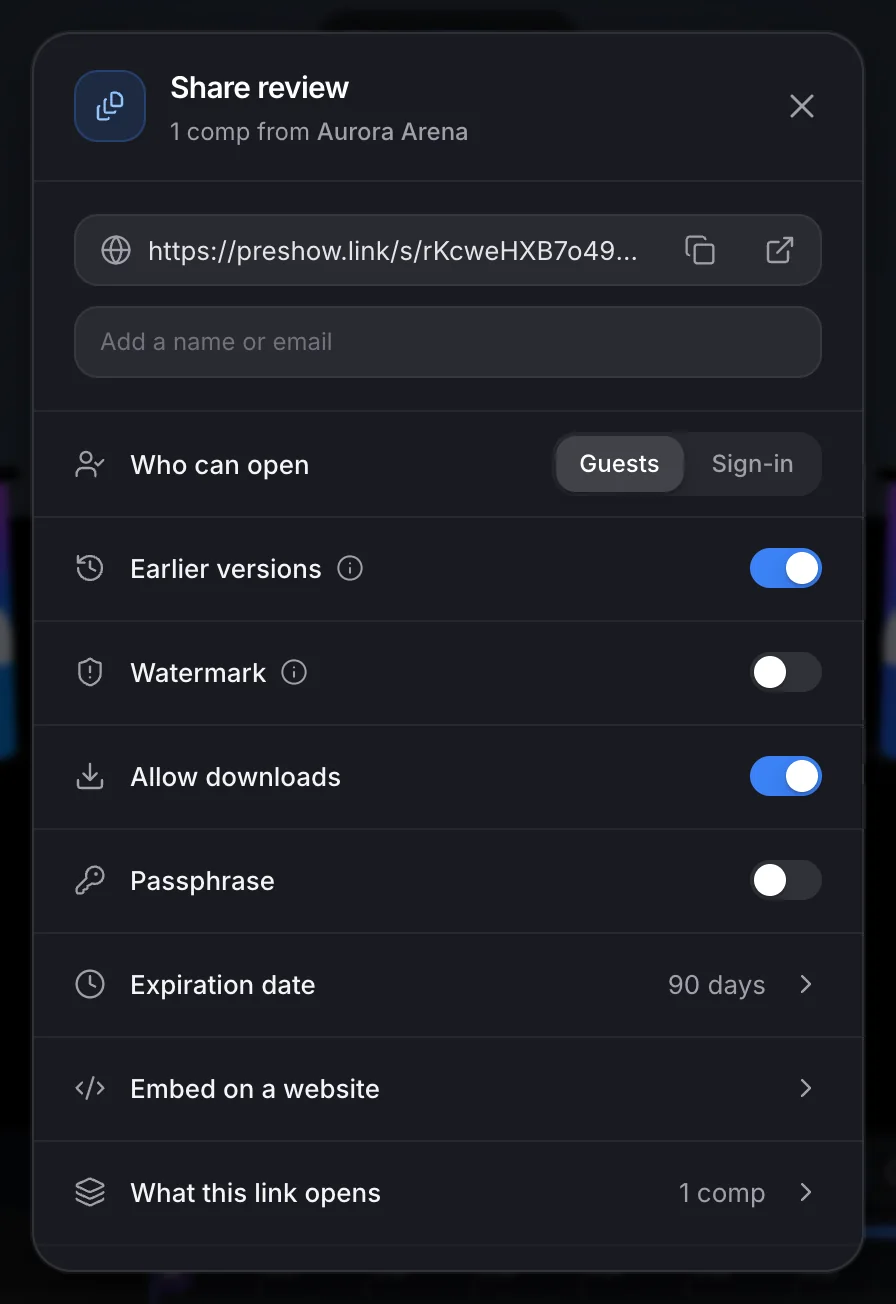
Share a link and pick who can open it. Notes attach to the exact frame the reviewer was watching, so nothing comes back as "around the middle somewhere".

The share panel, with a review link and its access options.

In the room

The parts that survive contact with a real production.

A comp per look

Two options sit side by side instead of being rebuilt to compare.

Content on the real curve

Clips play on the venue model, not a flat rectangle standing in for it.

Blocked camera moves

Keyframe the angles you will actually shoot, and switch between them.

Frame-accurate notes

A note remembers the frame it was written on, and the surface it was about.

Draw on the frame

Circle the thing you mean. The markup stays pinned to that exact frame.

Links built for clients

Comps, videos, or both in one link. Reviewers comment without an account and without touching the edit.

Versions that stack

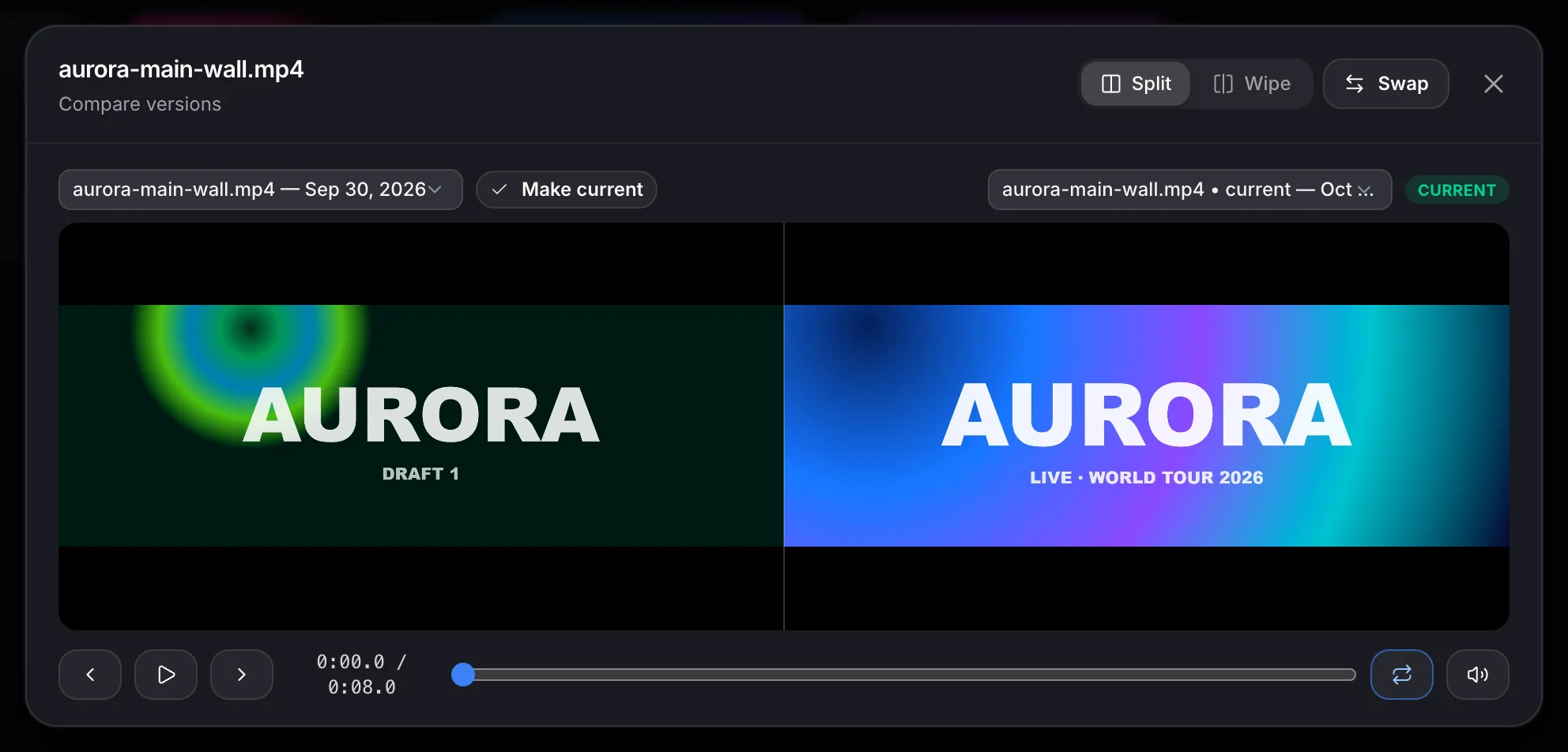
A new cut sits on top of the old one, the notes stay put, and two versions play in lockstep side by side or under a wipe.

Export a real file

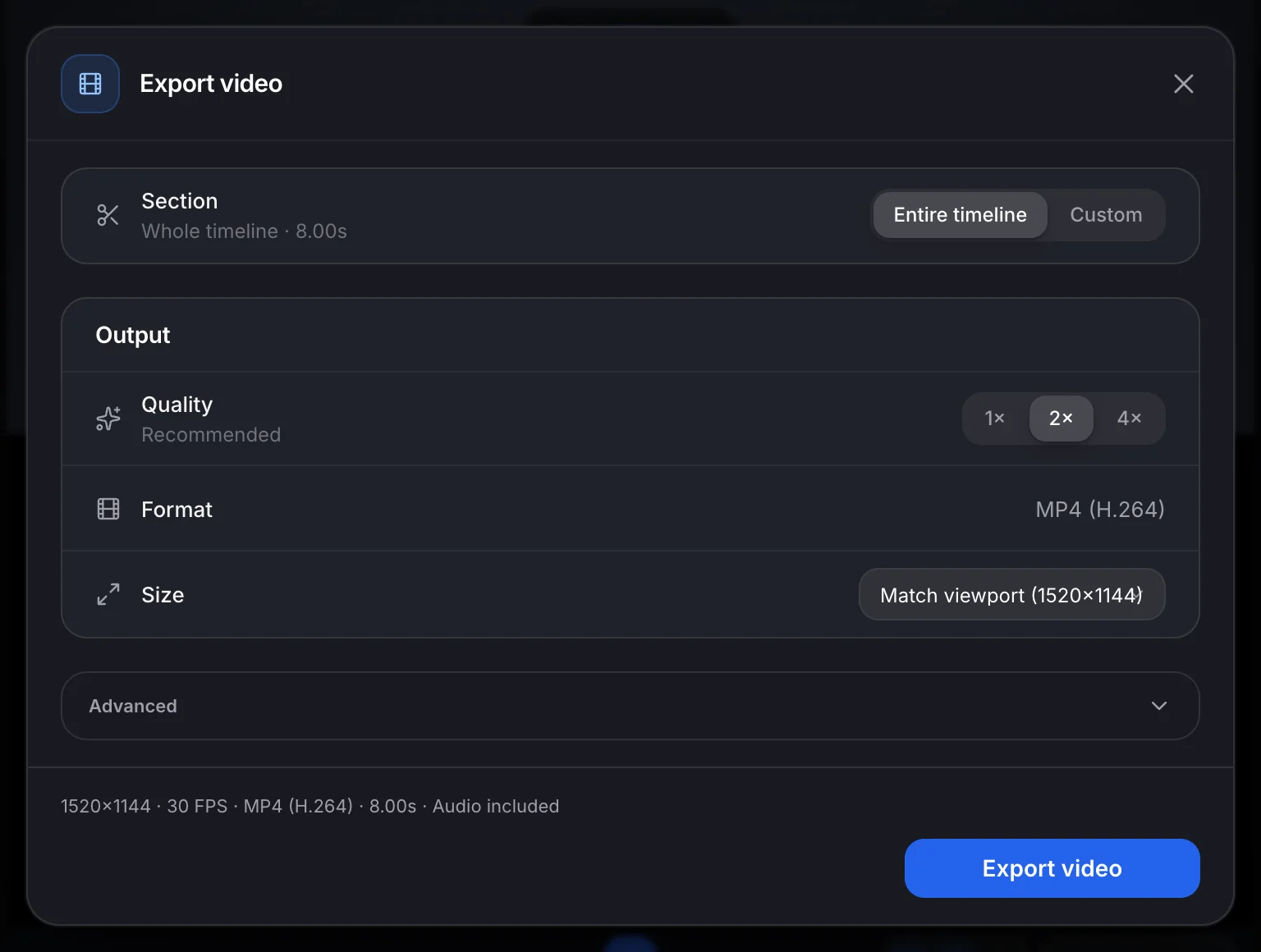
H.264 MP4, encoded frame by frame rather than screen-recorded — or handed to the render farm when the comp is long.

Watermarks that travel

Stamp a link's viewers by name. The policy lives on the link, so the same cut can go marked to a client and clean to the team.

  • Slack and email notifications
  • Shared team seats and roles
  • Approval status per comp
  • Folders per surface
  • Password and expiry on links
  • Embed a review in a deck

Find the problems now, not at load-in.

Free to start, with the venue, the comps and the review links included.